
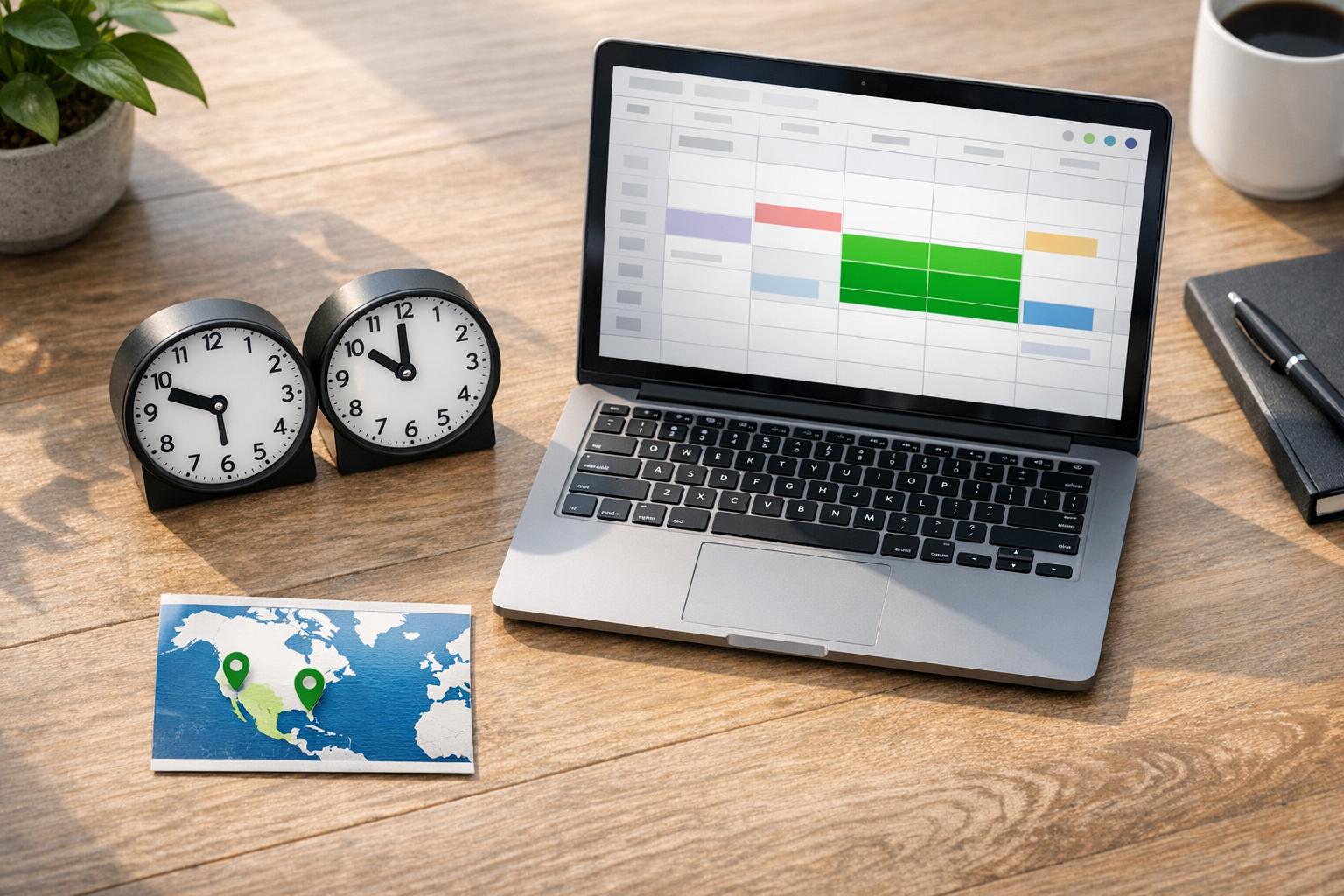
Unlock Seamless Collaboration with Nearshore Teams
Managing a distributed workforce can be tricky, especially when your in-house staff and external partners operate across different time zones. That’s where a reliable nearshore team alignment tool comes in handy. By evaluating key factors like overlapping schedules and communication preferences, you can pinpoint exactly where challenges lie and how to address them. Whether you’re coordinating with a group just a few hours away or navigating slight cultural differences, having data-driven insights transforms guesswork into strategy.
Why Time Zone Alignment Matters
When building a partnership with a nearshore crew, syncing up daily routines is half the battle. A small time difference can either be a minor hiccup or a major roadblock, depending on how you manage it. Tools designed for assessing remote team synergy help by calculating shared working hours and suggesting optimal windows for live discussions. Beyond that, they often provide tailored advice on fostering connection, like using specific platforms or setting clear expectations. If you’re looking to streamline workflows and minimize delays, leveraging such a resource is a smart first step toward stronger cross-border teamwork.
FAQs
How does the compatibility score work?
The score is a percentage based on the overlapping working hours between your in-house and nearshore teams. For example, if your team works 9 AM to 5 PM in EST and the nearshore team works 10 AM to 6 PM in a nearby time zone, we calculate how much of that time aligns. A higher percentage means more natural collaboration opportunities, while a lower score flags potential challenges we can help address with scheduling tips.
Can this tool help if my teams use different communication platforms?
Absolutely! While the tool focuses on time zone and scheduling compatibility, we also consider your preferred communication tools. If there’s a mismatch—like one team using Slack and another on Microsoft Teams—we’ll suggest ways to streamline or recommend integrations that make cross-platform communication a breeze. It’s all about reducing friction.
What if there’s very little overlap in working hours?
No worries—we’ve got you covered. If the overlap is minimal, the tool will highlight specific windows (even if they’re short) for meetings or critical updates. We’ll also offer strategies like asynchronous communication, recorded updates, or staggered shifts to keep projects moving forward smoothly despite the time difference.